Team Profiles are also controlled via custom post type fields in the WordPress CMS. Before we visit the settings, notice on the front-end that there are two tiers of profiles with the first larger set including a written bio.
These are set up as individual looped posts so gives you the option to use both or just one format for the whole team.

Configuring Team Members
Follow the steps below to decide which option best suits you.
Profile name - for internal reference
Profile name how it displays on the website
Job position
Bio or job description - only applicable to the large format
Profile photo
Team Category - this is the important part. There are three categories that can be selected by typing directly in the field here - it will appear in a dropdown for you to select and assign.
Large profile
Small Profile
Vacancy
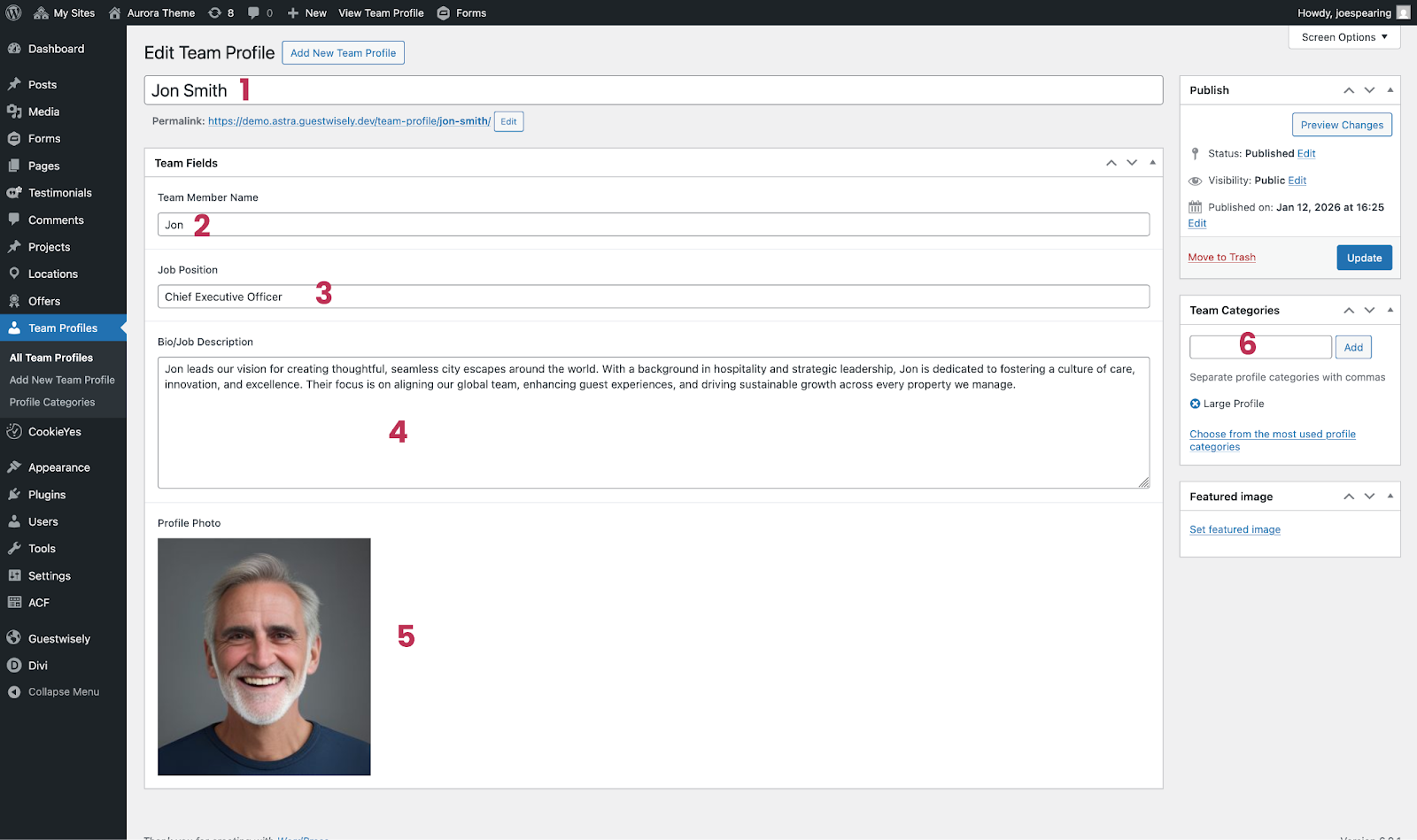
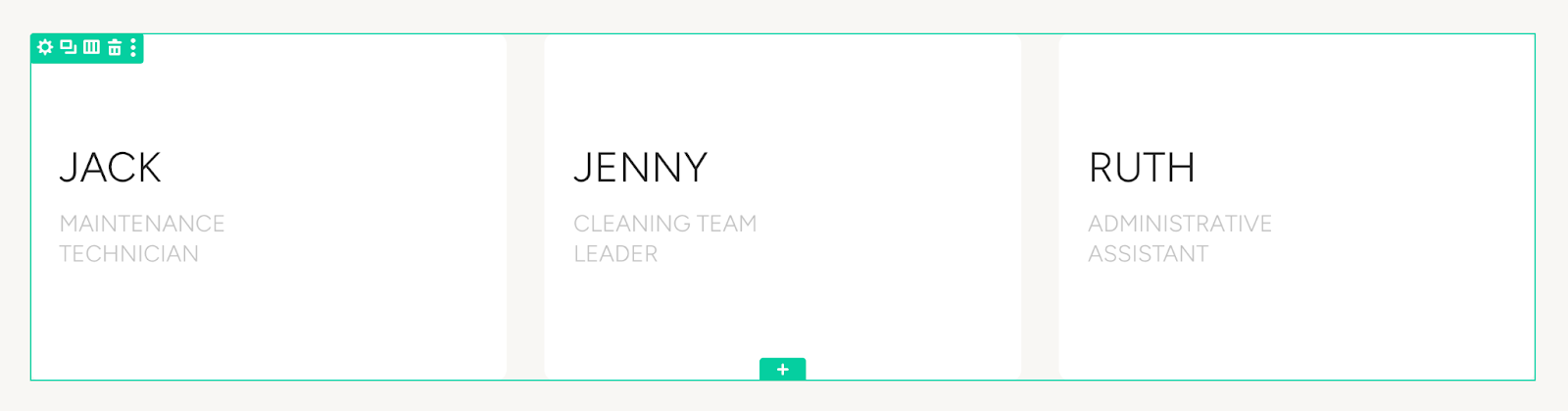
Choose Large or Small Profile to assign it to the correct position in the grids. If you choose to just use one format, visit the team page via the visual builder and delete the unwanted grid (green row).
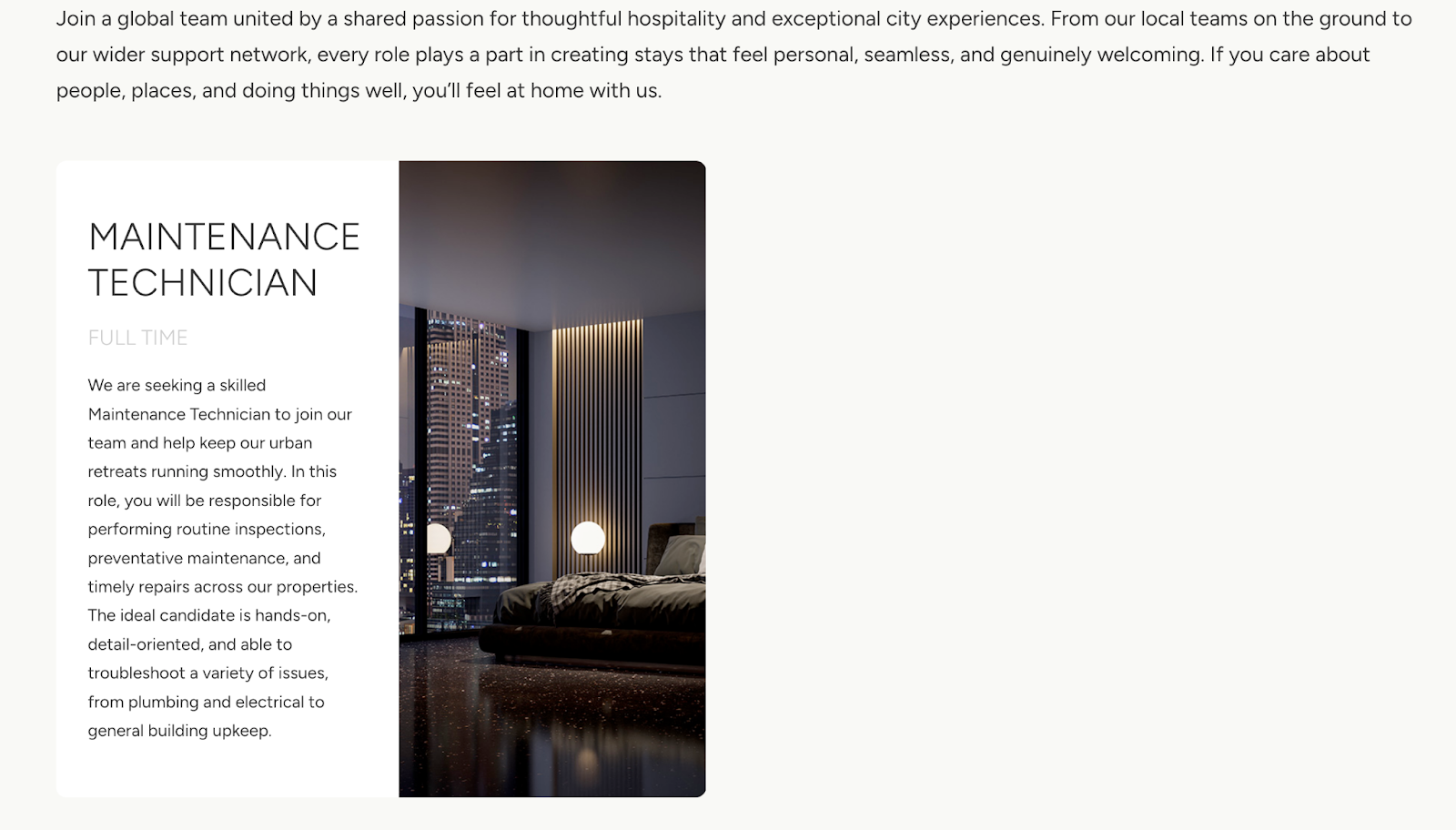
The Vacancy category will populate the final grid on the page for any job positions you would like to promote.
Was this article helpful?
That’s Great!
Thank you for your feedback
Sorry! We couldn't be helpful
Thank you for your feedback
Feedback sent
We appreciate your effort and will try to fix the article