Introduction
With the section containing each page banner sitting directly behind the Sierra transparent header, it becomes difficult to access the section settings in the visual builder. So instead, the page banners for Sierra are connected to the featured image that is selected in the page settings:
The banner text can still be edited freely in the visual builder. Keep in mind, the banner text is hidden on tablet and mobile to make room for the navigation. Use the H2 heading below the banner for something related to titling the page.
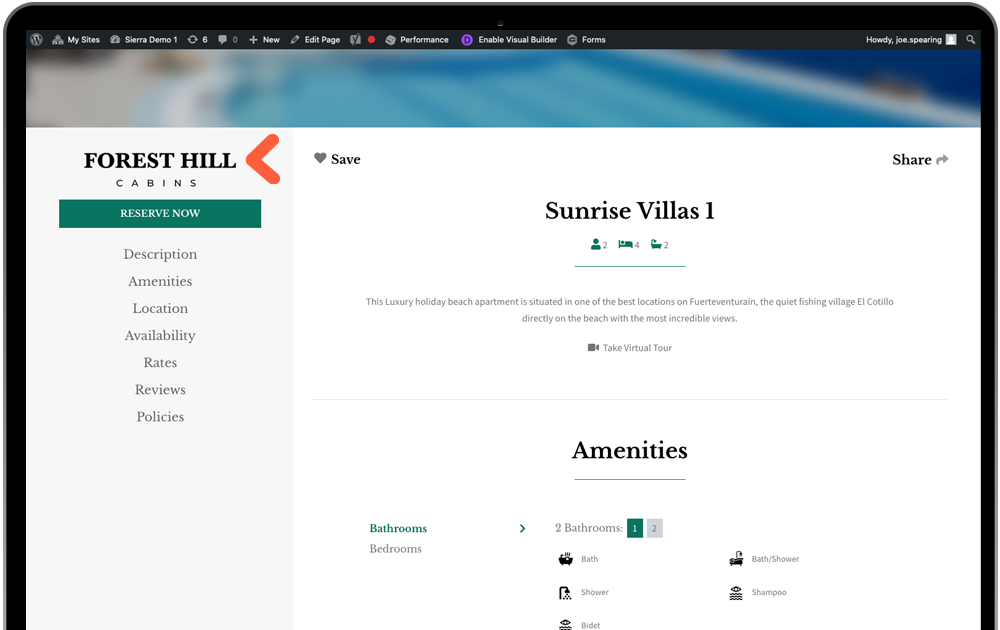
Another area that uses the same method is the property focus page. With the primary logo being light/white to sit on the background photo banner, we need an alternative logo to sit in this side navigation. Visit the Property page in the page list and set the featured image to an alternative logo, with transparent background (png file).
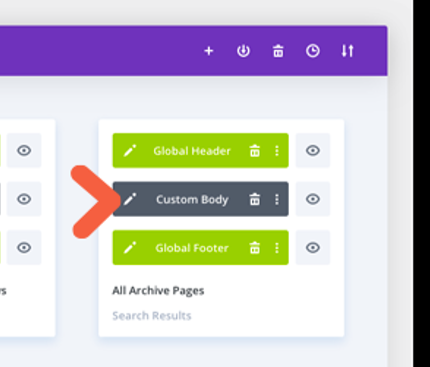
Finally, there is one place the above does not apply. The archive template does not have a page or post to pull an image from so it needs to be done manually. Visit the template in Divi Builder below and you can edit the page banner in the section settings.
Was this article helpful?
That’s Great!
Thank you for your feedback
Sorry! We couldn't be helpful
Thank you for your feedback
Feedback sent
We appreciate your effort and will try to fix the article